Guides
TTK Testing guides for every player: confirmed controls, movement and aiming tips, first-match walkthroughs, Hardpoint and map-voting basics, plus console and mobile input help for the realistic Roblox FPS.
Introduction
The Guides hub is the best starting point for any TTK Testing player, whether you are dropping into your first free-for-all lobby or trying to squeeze more out of your aim after weeks of play. TTK Testing is a realistic tactical first-person shooter running inside Roblox, which means the fundamentals that work in other FPS games — pre-aiming angles, controlling recoil, respecting sightlines — matter here more than raw reaction speed. The current build is an open community test focused on free-for-all and Hardpoint combat with live map voting, so most of the advice in this section is built around those two modes. You will also find confirmed controls, movement and positioning tips, and practical walkthroughs that cover everything from your first spawn to your first Helmet Cam moment. Because the game changes fast during this testing phase, every guide references the latest V0.x build and flags anything that is community-tested rather than officially confirmed.
Guide Topics Quick Reference
| Topic | What You Will Learn | Best For |
|---|---|---|
| Beginner Guide | First-match walkthrough: controls, movement and surviving your first FFA lobbies | New players |
| Controls & Keybinds | Every confirmed keybind from fire and lean to the Helmet Cam toggle | All platforms |
| Aiming & Gunplay | Recoil control, crosshair placement and realistic gunplay fundamentals | Improvers |
| Modes & Map Voting | How FFA and Hardpoint work and how map voting shapes each lobby | All players |
| TTK & Loadout Thinking | Time-to-kill and bullets-to-kill logic behind strong loadouts | Competitive players |
Guide Collection
Beginner Guide
The complete new-player walkthrough for TTK Testing
Controls & Keybinds
Every confirmed input from fire to lean
Aiming & Gunplay
Recoil control and crosshair placement for realistic handling
Modes & Map Voting
How FFA, Hardpoint and the voting system shape each lobby
TTK & Loadout Thinking
Time-to-kill logic behind strong loadout decisions
Core Mechanics
TTK Testing is built around realism: weapons have weight, recoil punishes panic firing, and the time-to-kill is deliberately tuned so that smart positioning beats button mashing. The current test build rotates between free-for-all and Hardpoint, with players voting for the next map between rounds. Movement is standard FPS movement with sprint, crouch and lean, but the realistic handling means sprinting into open lanes usually gets you killed before you can react. Maps are built around defined lanes, chokepoints and cover, and the best players learn to pre-aim those angles instead of relying on reflexes alone. The game also includes the Helmet Cam toggle and the Transparent Optics setting, both of which change how you read fights. Every mechanic in this section is observable in the test build; anything speculative is clearly marked as planned or community-tested.
Advantages
Following the Guides hub gives you a huge early advantage because you skip the expensive trial and error of learning realistic gunplay by dying. The confirmed controls mean you never waste a match fumbling for the lean or crouch keys, and the movement and positioning advice helps you read the lanes and chokepoints that decide free-for-all fights. Understanding time-to-kill logic early makes you a better judge of which fights to take and which to disengage, which is the fastest way to climb the scoreboard. The guides also cover the community-tested build recommendations, so you can set up a strong first loadout the moment you spawn instead of experimenting through half a dozen frustrating matches. Best of all, the hub is updated as the V0.x milestones ship, so the advice stays aligned with the current test build.
Challenges
The biggest challenge newcomers face in TTK Testing is the realistic handling: weapons kick hard, movement is deliberately weighty, and players who sprint around like in an arcade shooter get punished immediately. Good advice can only take you so far because the game is still in its V0.x testing phase — patch changes regularly rebalance weapon handling, add new guns and shift the time-to-kill tuning, so some guides can become outdated within days. There are also no official damage tables published, which means almost every strength comparison in the community is based on video testing and player reports rather than confirmed stats. Finally, the playable content is still limited to free-for-all and Hardpoint with map voting, so the Guides hub can only cover the modes that are actually live today rather than the full roadmap vision.
Frequently Asked Questions
How do I start playing TTK Testing?+
Is TTK Testing free to play?+
What is the TTK in TTK Testing?+
Quick Tips
Learn the lane map before you fight on it: every TTK Testing map is built around defined lanes, chokepoints and cover, and the players who pre-aim those angles win far more free-for-all fights than the ones relying on raw reaction speed. Sprinting across an open lane is the fastest way to feed a sniper, so move cover to cover and only sprint when you are already safe.
Treat the first few V0.x patches as a training period: weapon handling has been rebalanced repeatedly, and the gun you loved in V0.03 may feel completely different in V0.09. Re-read the latest guides before every major update and re-test your loadout in the gunsmith, because the meta always shifts with the tuning changes.
Use the Transparent Optics setting early: it simulates both eyes open while aiming down sights, which keeps your peripheral awareness during close-range fights and helps you read the lanes before you commit to a push. Combined with the Helmet Cam toggle for immersive replays, these settings cost nothing to enable and give you a real information advantage in the test build, especially on the night map variant.
Featured
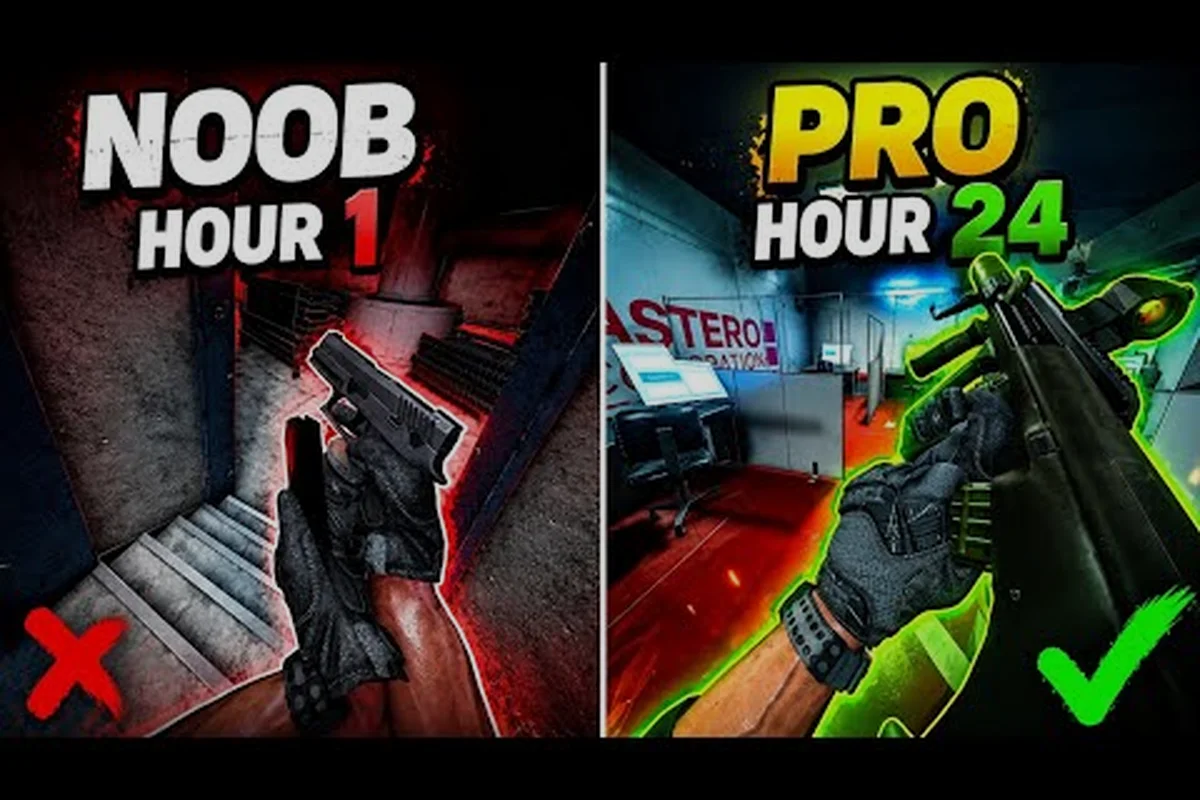
TTK Testing Beginner Guide: First Steps, Recoil & Aim Basics
Start your TTK Testing journey with this beginner guide covering aim training, recoil control, movement positioning, and free-for-all lobby fundamentals for 2026.
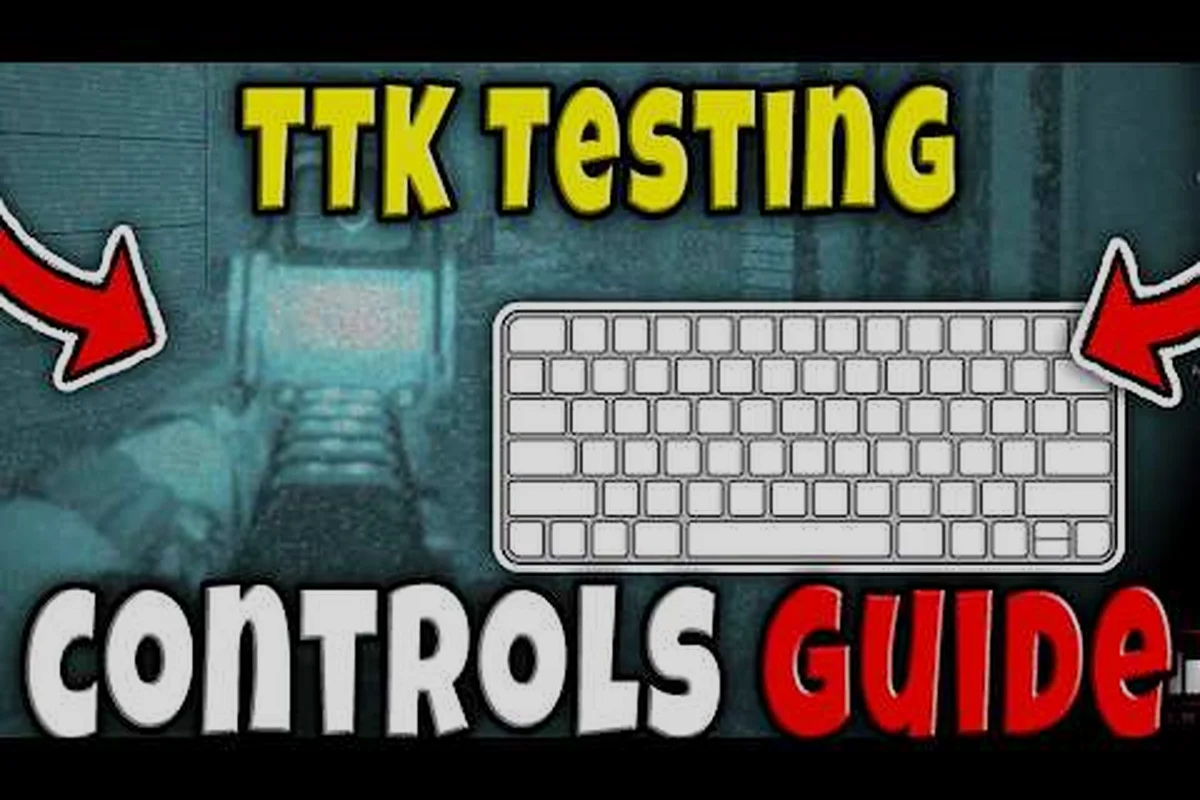
TTK Testing First Time Playing: Keyboard, Console & Mobile
First time playing TTK Testing? Learn every keyboard, console, and mobile control, plus the aim basics and keybinds you need before your first match.
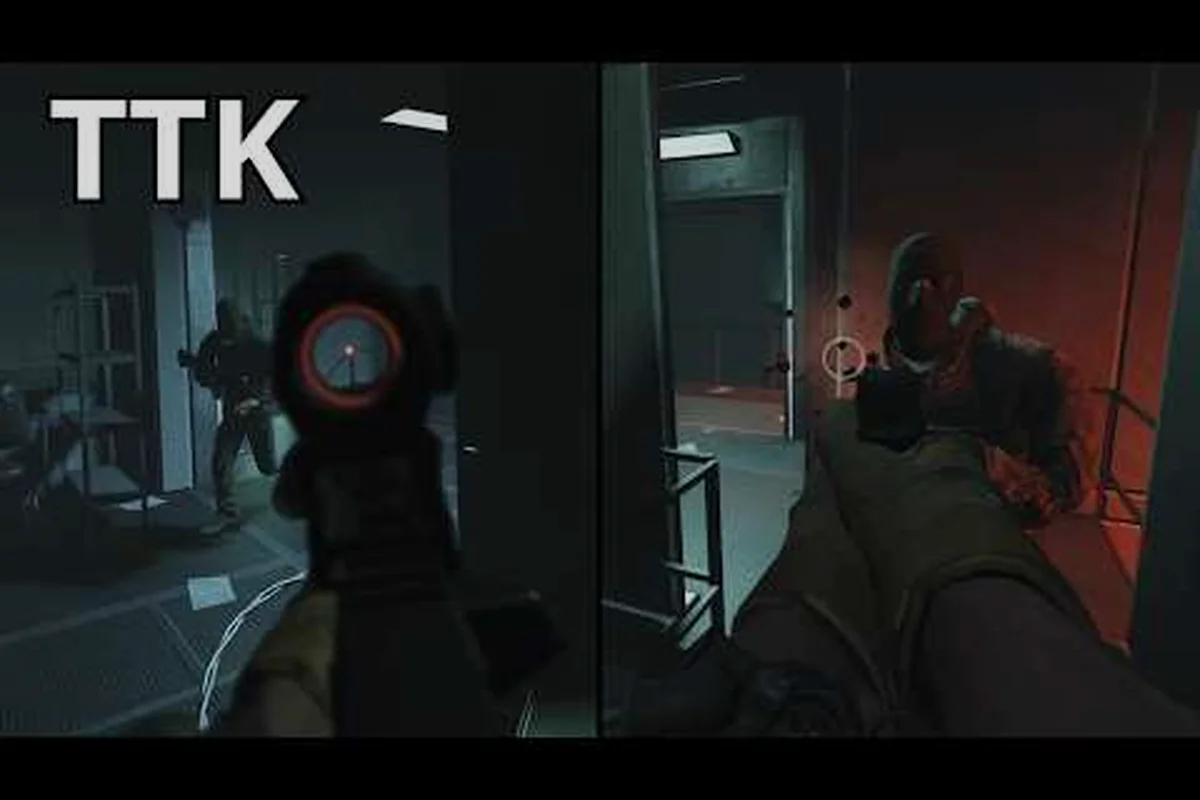
TTK Testing Walkthrough: Gameplay, Maps & Co-Op Basics
Follow this TTK Testing walkthrough through every current map, core gameplay mode, and co-op basics so you understand exactly what the tactical FPS offers today.
All Articles
TTK Testing Quick Play Guide: Matchmaking & Mode Picks
Jump into TTK Testing quick play with breakdowns of Ground War, free-for-all, Hardpoint, and map voting so you always land in the mode that fits your playstyle.
TTK Testing Squad Guide: Competitive Play & Common Mistakes
Build a winning TTK Testing squad with this competitive guide covering teamwork, FPS fundamentals, and the new player mistakes that cost you rounds in 2026.
TTK Testing How to Lean: Q/E Peek Mechanics & Movement
Master how to lean in TTK Testing with Q and E binds, plus movement peeks, recoil drills, and aim training routines that sharpen your gunplay in every firefight.
TTK Testing Crosshair Guide: Audio, Settings & Helmet Cam
Tune your TTK Testing crosshair, audio cues, and Helmet Cam settings with this optimization guide for sharper aim and better situational awareness in matches.
TTK Testing for New Players: Pro Tips & Smart Habits
Level up fast in TTK Testing with pro tips for new players — master core mechanics, smart positioning, and winning habits before jumping into live matches.
TTK Testing for Xbox & PS5: Full Controls and Tutorial
Get the full TTK Testing tutorial for Xbox and PS5, covering every control, setting tip, and platform-specific trick you need to compete on console.
TTK Testing Spectating Guide: Doorkicker, PVE & Survival Modes
Master TTK Testing's spectating tools, Doorkicker mechanics, and PVE Survival waves with this in-depth guide to upcoming missions and co-op modes.